The Challenge
Ubicuity set out to solve a problem that museums, galleries, event venues, and retail spaces all share: getting the right digital content onto the right screens, in the right spaces, with as little friction as possible. Managing digital experiences across physical environments is surprisingly complex: content needs to be created, versioned, pushed to physical devices, and displayed correctly across spaces that are each configured differently.
The Ubicuity team needed a product that could serve two distinct types of users simultaneously. Technical users (developers or advanced operators) needed a code-editing interface for precise control over content and behavior. Non-technical users (venue managers, content creators, curators) needed a visual design tool they could pick up without engineering support. Both needed to manage physical devices and spaces from a single application.
SpaceDev came in to build the frontend layer that would tie these needs together, providing two senior frontend developers to own the web and mobile interfaces across the full scope of the project.
Our Approach
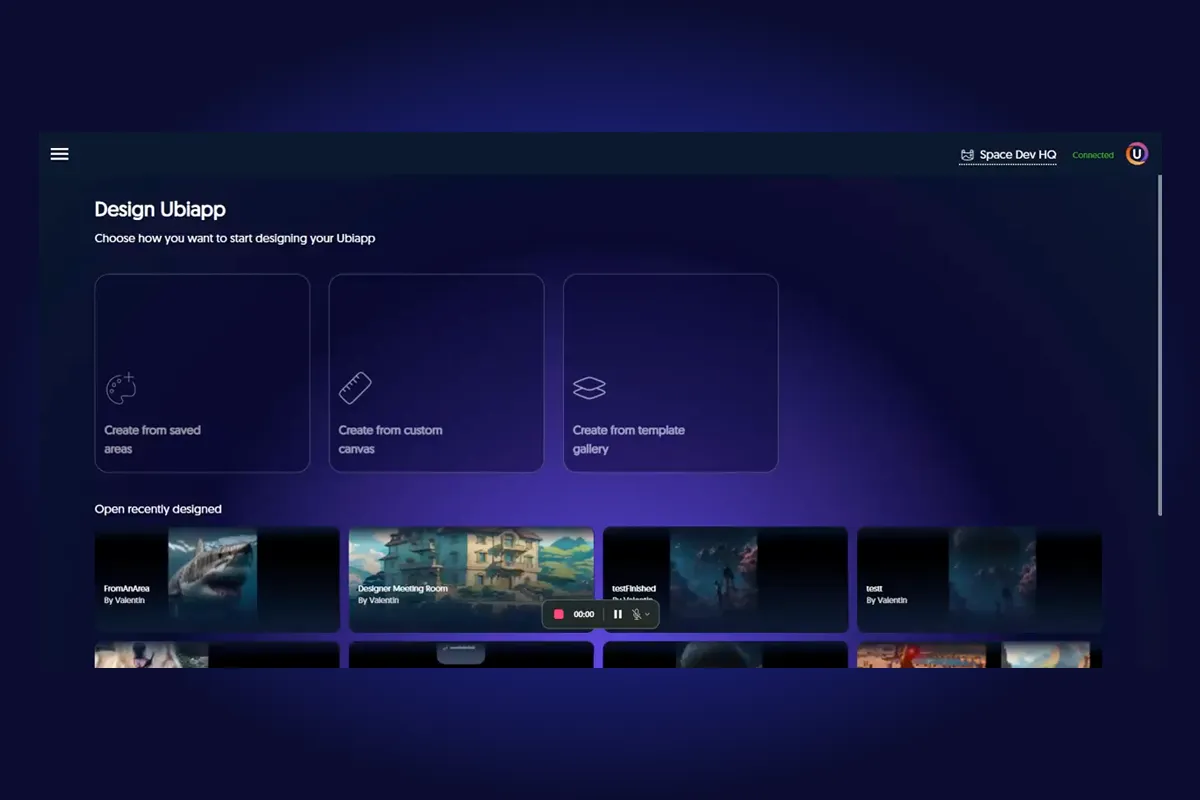
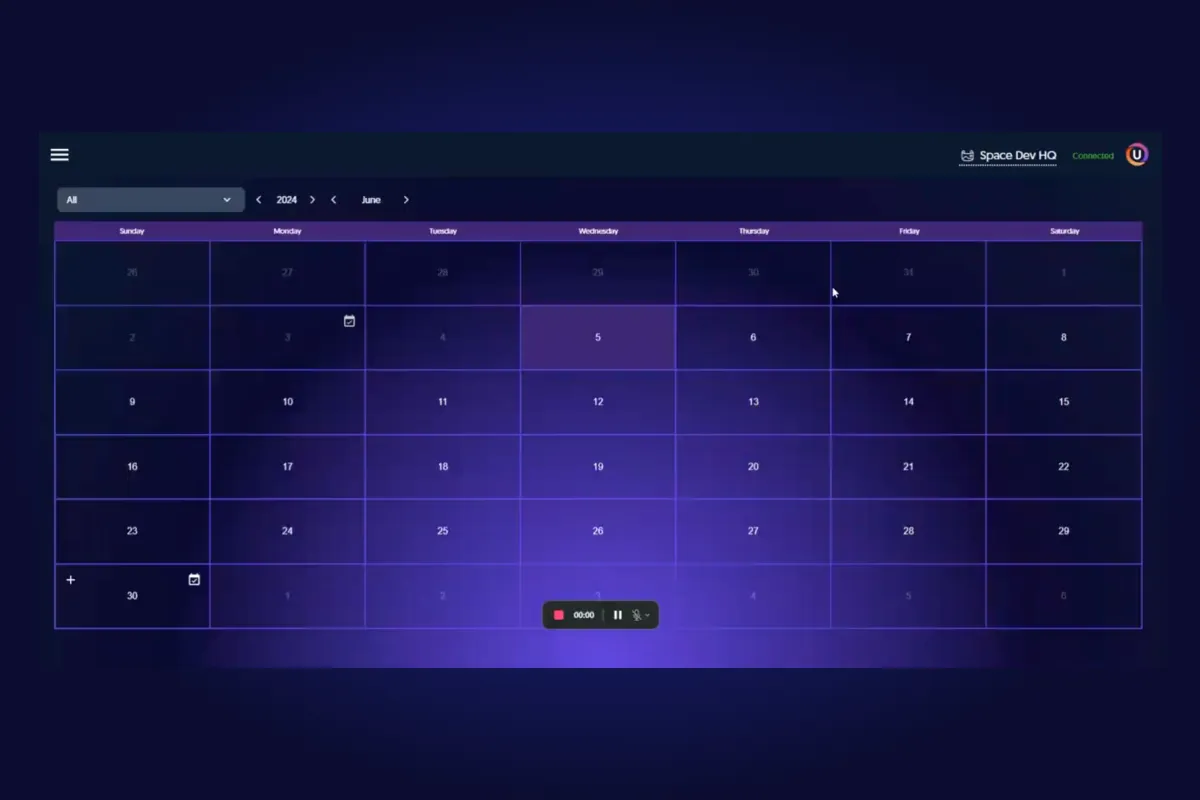
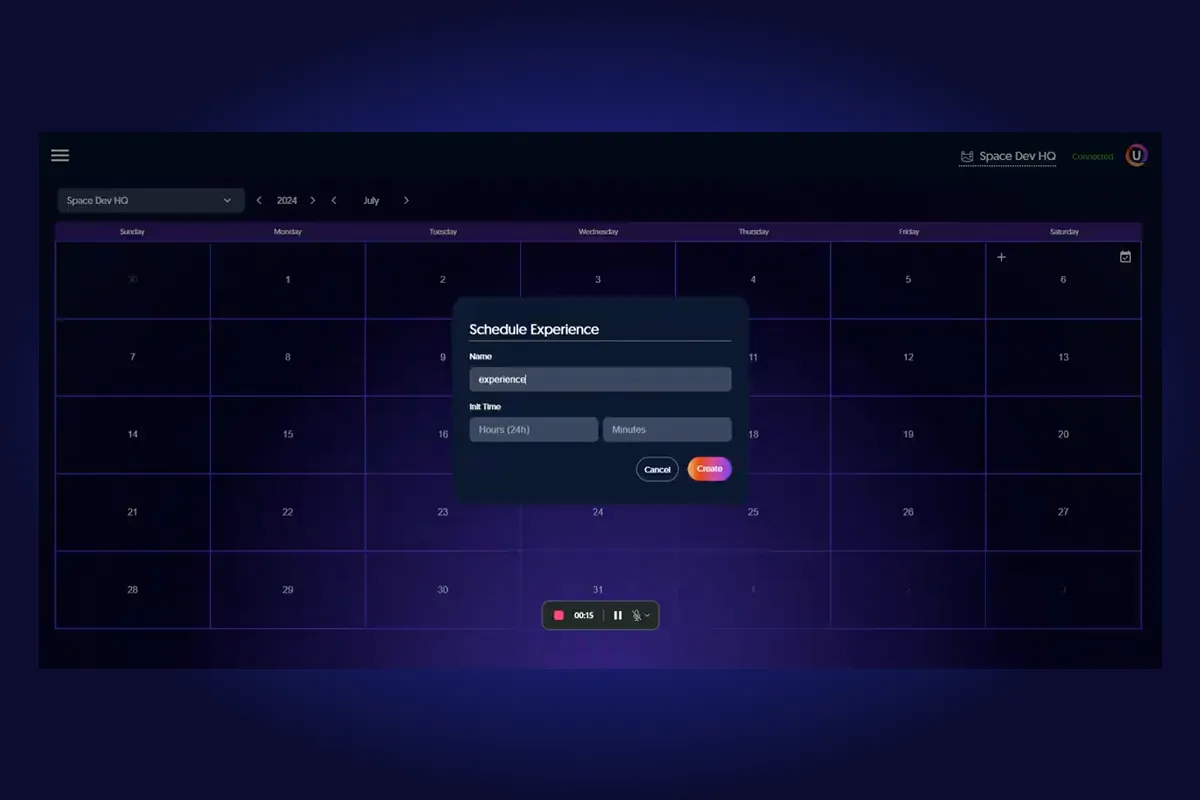
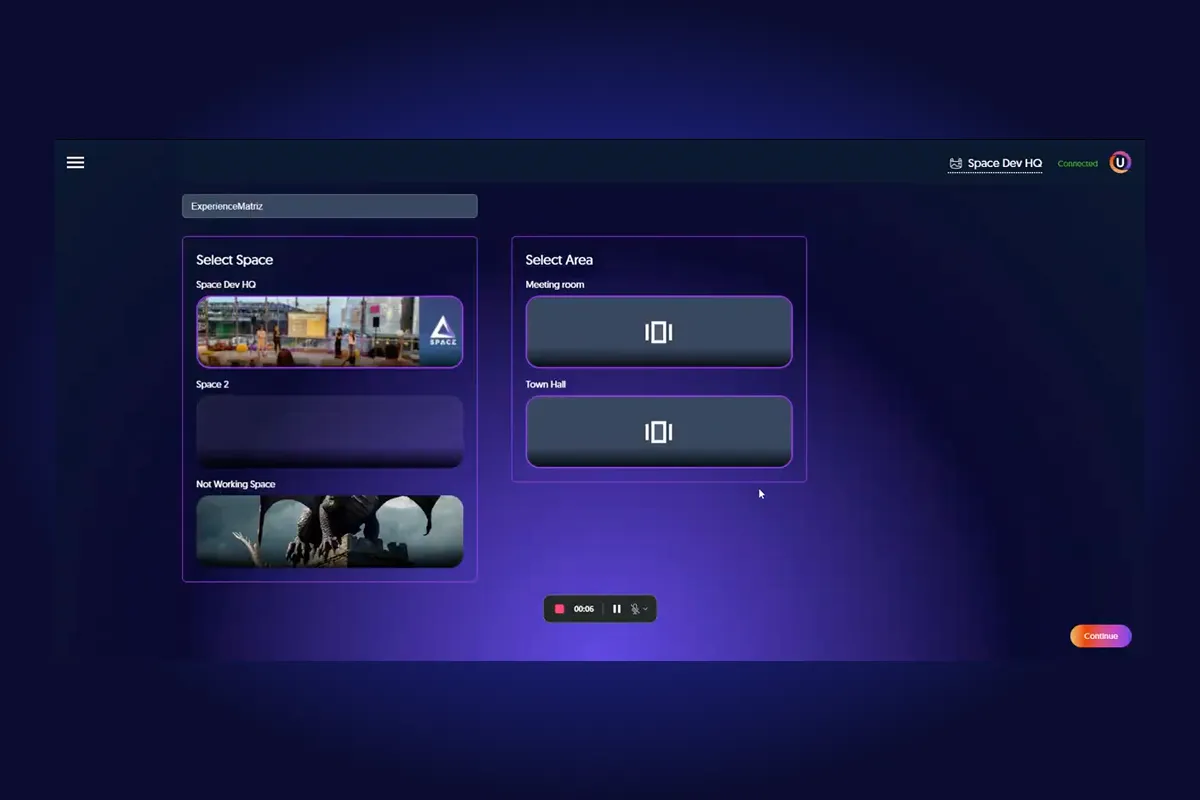
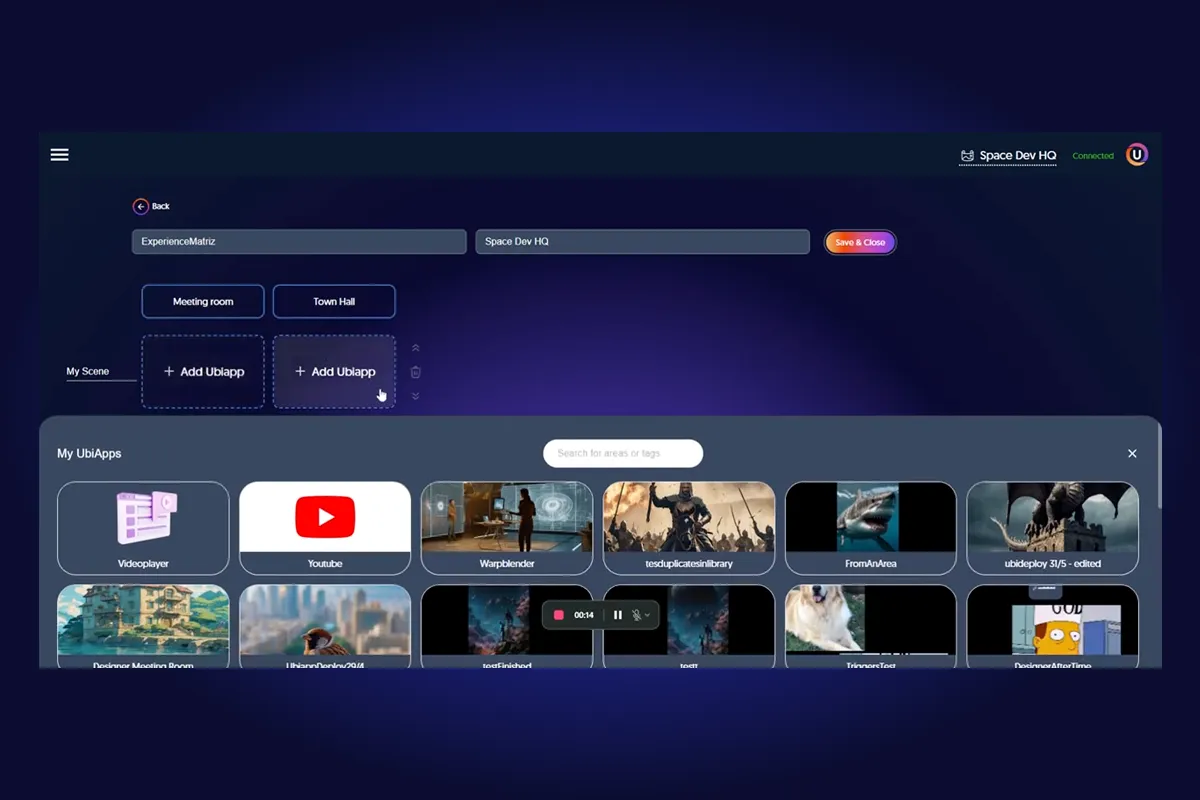
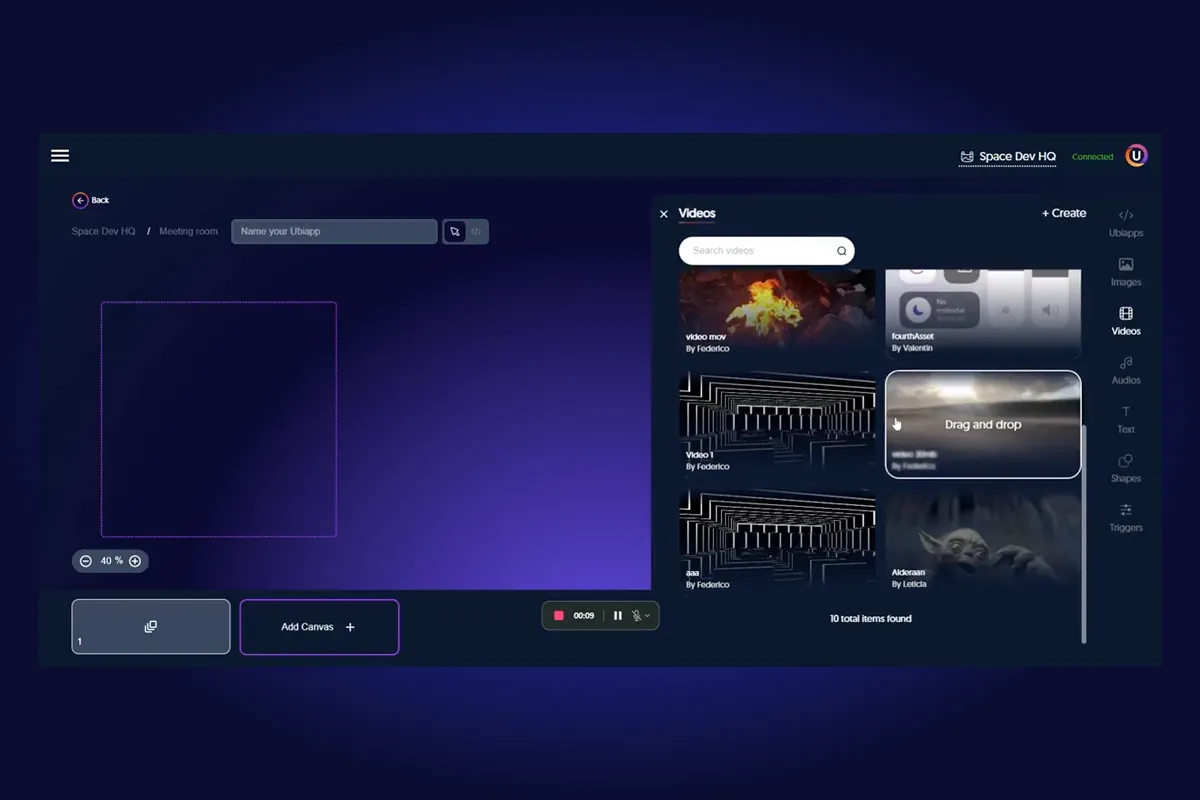
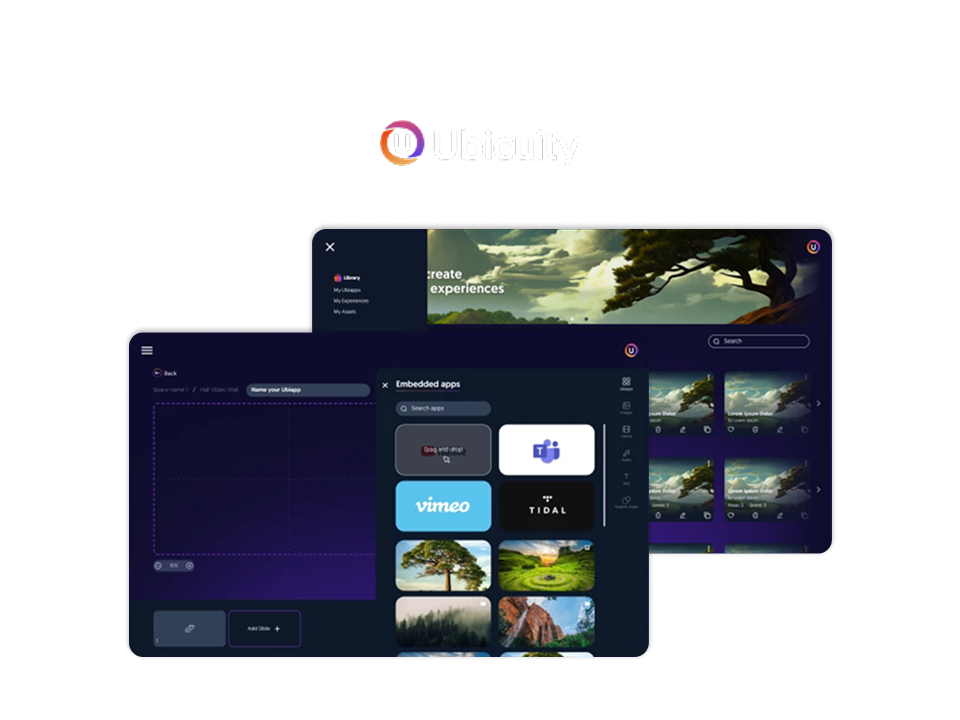
SpaceDev’s team built three distinct interaction surfaces within the Ubicuity platform. The visual designer tool gives non-technical users a Figma-like environment to compose and style digital content, arrange layouts, and push experiences to configured spaces. Alongside it, a Monaco Editor integration (the same editor that powers VS Code) provides code-first users with direct control over content through source editing. A third mode, the experience editor, handles the higher-level management of space instances, letting users link content to specific physical areas and manage how experiences are scheduled or triggered.
On mobile, SpaceDev built a React Native application that serves as the on-site management layer. Space managers use it to register and control physical devices, configure which spaces are linked to which content, and monitor active deployments from anywhere. The mobile app was built to reflect the same data model and account structure as the web platform, so changes propagate consistently across surfaces.
Throughout the build, the team leaned on a focused library stack: Redux for state management, Formik for form handling, axios for API communication, and react-draggable and react-dropzone for the interactive content composition experience. Each choice was guided by what would make the UI feel responsive and reliable in real-world deployment conditions.
Results
Ubicuity moved from concept to a platform that is already operating in production at real cultural venues. The solution was used to reproduce artwork from the Roberto Polo Collection at the Toledo Museum of Contemporary Art in Spain, and to showcase the work of artist Guillermo Forner at the ARCO Art Fair, one of Spain’s most prominent contemporary art events.
These deployments validate the platform’s ability to handle serious, public-facing use cases. The combination of visual tools, code editing, and mobile device management gives Ubicuity a genuinely flexible product that can serve very different environments without requiring custom engineering for each one.
Tech Stack
The frontend stack was built on React for web and React Native for mobile, with Monaco Editor providing the in-browser code editing experience. Redux handled shared state across the designer, editor, and device management views. Supporting libraries including Formik, Dayjs, html2canvas, axios, react-draggable, and react-dropzone rounded out the interaction layer, each chosen for reliability and fit with the specific UX challenges of a content management tool for physical spaces.